How to Build an Online Portfolio: A Complete Guide for Job Seekers and Freelancers
15 Aug 2026 · CTRLin
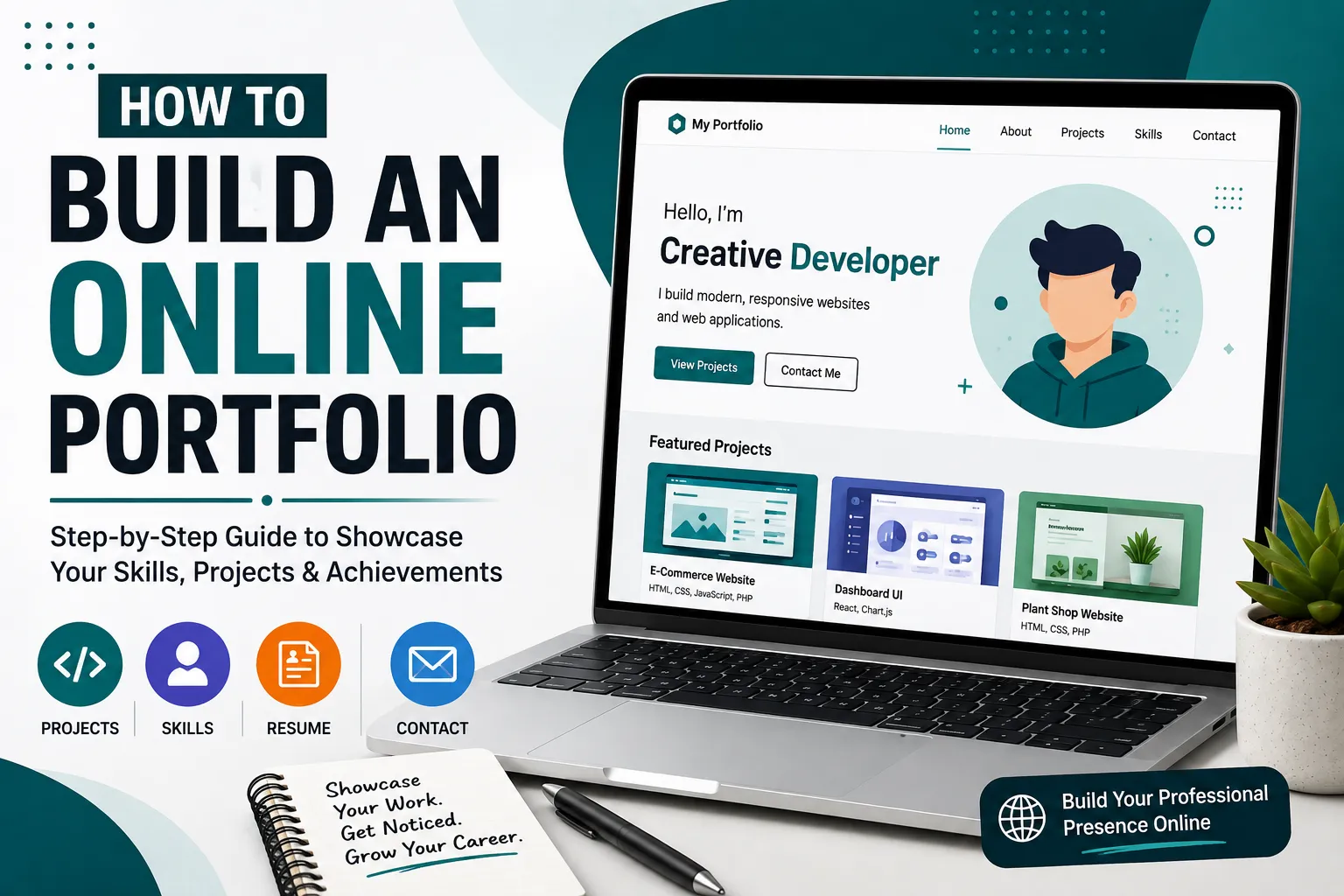
In today's digital-first job market, having a resume is important but an online portfolio can take your professional profile to the next level. A portfolio gives employers, clients, and recruiters a chance to see your skills, experience, projects, and achievements instead of simply reading about them.
Whether you're a developer, designer, writer, marketer, photographer, student, or freelancer, building an online portfolio can help you stand out from the competition.
In this guide, we'll explain how to build an online portfolio, what sections you should include, and how to make your portfolio professional and effective.
What Is an Online Portfolio?
An online portfolio is a personal website or digital profile where you showcase your professional work, skills, experience, projects, and achievements.
Unlike a traditional resume, which mainly describes what you have done, a portfolio can show your work in action.
For example:
- A web developer can showcase websites and applications.
- A graphic designer can display branding and design projects.
- A writer can publish articles and copywriting samples.
- A photographer can showcase photographs.
- A marketer can highlight successful campaigns.
- A student can present academic and personal projects.
A well-designed portfolio acts as your professional identity on the internet.
Why Do You Need an Online Portfolio?
An online portfolio can provide several advantages when you're looking for a job, clients, or freelance opportunities.
1. Showcase Your Work
The biggest advantage of a portfolio is that you can show real examples of your work. Instead of telling someone that you're good at a particular skill, you can demonstrate it through your projects.
2. Build Your Personal Brand
Your portfolio gives you control over how people see you professionally. You can choose your design, introduce yourself, highlight your strengths, and present your achievements.
3. Stand Out From Other Candidates
Many candidates have similar resumes and qualifications. A professional portfolio can give recruiters another reason to remember you.
4. Build Credibility
Projects, client work, certifications, testimonials, and achievements can make your professional profile more credible.
5. Make It Easier for People to Find You
You can share your portfolio URL on your resume, LinkedIn profile, email signature, social media accounts, and job applications.
How to Build an Online Portfolio
Building a portfolio doesn't have to be complicated. Follow these steps to create a professional online presence.
Step 1: Define Your Goal
Before designing your portfolio, decide what you want it to accomplish.
Are you creating it to:
- Find a full-time job?
- Attract freelance clients?
- Showcase your creative work?
- Apply for internships?
- Build your personal brand?
- Promote your services?
Your goal will influence what content you include and how you organize your portfolio.
For example, a developer looking for a full-time position may focus on technical projects, while a freelancer may focus more on services, previous clients, and results.
Step 2: Choose Your Best Work
You don't need to include every project you've ever completed.
Instead, select your best and most relevant projects.
For each project, consider including:
- Project name
- Project description
- Your role
- Technologies or tools used
- Challenges you solved
- Results or achievements
- Screenshots or visuals
- Link to the live project
- Link to the source code, when appropriate
A small collection of high-quality projects is usually more effective than a large collection of unfinished or unrelated work.
Step 3: Create an Introduction
Your homepage should quickly tell visitors who you are and what you do.
For example:
"I'm a Full Stack Developer specializing in building modern web applications using Laravel, React, and Node.js."
Keep your introduction short and focused.
Visitors should understand your profession and expertise within a few seconds of landing on your website.
Step 4: Add an About Me Section
The About Me section gives visitors more information about your professional background.
You can include:
- Your professional summary
- Years of experience
- Main skills
- Education
- Career background
- Professional interests
- Certifications
- Career goals
Avoid writing a very long biography. Focus on information that is relevant to your professional identity.
Step 5: Showcase Your Projects
The projects section is often the most important part of an online portfolio.
Create a separate card or section for each major project.
For example:
E-Commerce Platform
Developed a responsive e-commerce platform that allows customers to browse products, manage shopping carts, and place orders.
Technologies: Laravel, MySQL, JavaScript, Bootstrap
My Role: Full Stack Developer
Adding context to your projects helps recruiters and clients understand not only what you built, but also what you contributed.
Step 6: Highlight Your Skills
Create a dedicated skills section to make your expertise easy to scan.
You can organize your skills into categories such as:
Frontend
- HTML
- CSS
- JavaScript
- React
- Next.js
Backend
- PHP
- Laravel
- Node.js
- Express.js
Database
- MySQL
- PostgreSQL
- MongoDB
Tools
- Git
- GitHub
- Figma
- Docker
Only list skills that you genuinely understand and can discuss during an interview or with a client.
Step 7: Add Your Resume
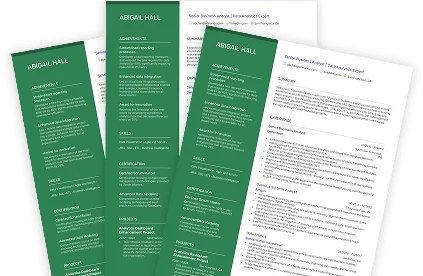
Your portfolio and resume should complement each other.
Add a clear Download Resume or View Resume button so visitors can quickly access your professional history.
Make sure the information on your portfolio matches your current resume.
Step 8: Add Contact Information
Don't make visitors search for a way to contact you.
Include a dedicated contact section with information such as:
- Email address
- LinkedIn profile
- GitHub profile
- Professional social media accounts
- Contact form
If you're a freelancer, you can also include a clear call-to-action such as:
"Have a project in mind? Let's work together."
What Should an Online Portfolio Include?
A professional portfolio can include the following sections:
- Home – A quick introduction and your main value proposition.
- About Me – Your professional background and experience.
- Skills – Your technical or professional abilities.
- Projects – Examples of your best work.
- Resume – Your detailed career history.
- Services – Useful for freelancers and agencies.
- Testimonials – Feedback from clients or colleagues.
- Blog – Articles that demonstrate your expertise.
- Contact – A simple way for people to reach you.
You don't necessarily need every section. Choose the ones that support your career goals.
Tips for Creating a Professional Portfolio
Keep the Design Simple
Your portfolio should highlight your work—not distract visitors from it.
Use a clean layout, readable typography, consistent spacing, and a professional color scheme.
Use High-Quality Images
If your work is visual, use clear screenshots and high-resolution images.
Tell the Story Behind Your Projects
Don't just show a screenshot. Explain the problem, your solution, your role, and the result.
Keep Your Portfolio Updated
An outdated portfolio can make your professional profile look inactive.
Regularly add new projects and remove outdated information.
Make Navigation Easy
Visitors should be able to reach important sections quickly. Keep your navigation simple and intuitive.
Include a Strong Call-to-Action
Tell visitors what you want them to do next.
Examples include:
- "Hire Me"
- "View My Projects"
- "Download My Resume"
- "Contact Me"
- "Let's Work Together"
Online Portfolio vs. Resume
A resume and portfolio serve different purposes.
| ResumeOnline Portfolio | |
| Summarizes your career | Demonstrates your work |
| Usually 1–2 pages | Can contain multiple pages |
| Focuses on experience | Focuses on projects and achievements |
| Mostly text | Can include images, videos, and links |
| Used for job applications | Useful for jobs, clients, and networking |
The best approach is to use both together.
Your resume tells people what you've done, while your portfolio helps show them what you can do.
Common Mistakes to Avoid
Avoid these common portfolio mistakes:
- Adding too many projects
- Using a complicated design
- Having broken links
- Not making the site mobile-friendly
- Writing large blocks of text
- Using outdated information
- Not providing contact information
- Including irrelevant skills
- Using low-quality screenshots
- Forgetting to update your resume
Your portfolio should make it easier for someone to understand your professional value—not create more work for them.
Build Your Portfolio With CTRLin
Creating a professional portfolio doesn't have to require advanced web development skills.
With CTRLin, you can create an online professional profile and showcase your career, skills, projects, resume, and achievements in one place.
Whether you're a student starting your career, an experienced professional, or a freelancer looking for new clients, having an online portfolio can help you build a stronger digital presence.
Visit CTRLin to start building your professional online presence.
Final Thoughts
An online portfolio is more than just a collection of projects. It's your opportunity to present your skills, experience, personality, and professional achievements to the world.
Start with your best work, keep the design simple, make your content easy to understand, and update your portfolio as your career grows.
You don't need dozens of projects or an elaborate website to get started. A simple, professional, and well-organized portfolio can be enough to make a strong first impression.
Start building your portfolio today and give employers and clients a better way to see what you can do.
Get Exclusive Updates & Resume Builder Features
Subscribe to our newsletter and stay ahead with the newest tools, design updates, and job-winning tips.