How to Tailor Your Resume for Every Job Application
14 Jul 2026 · CTRLin
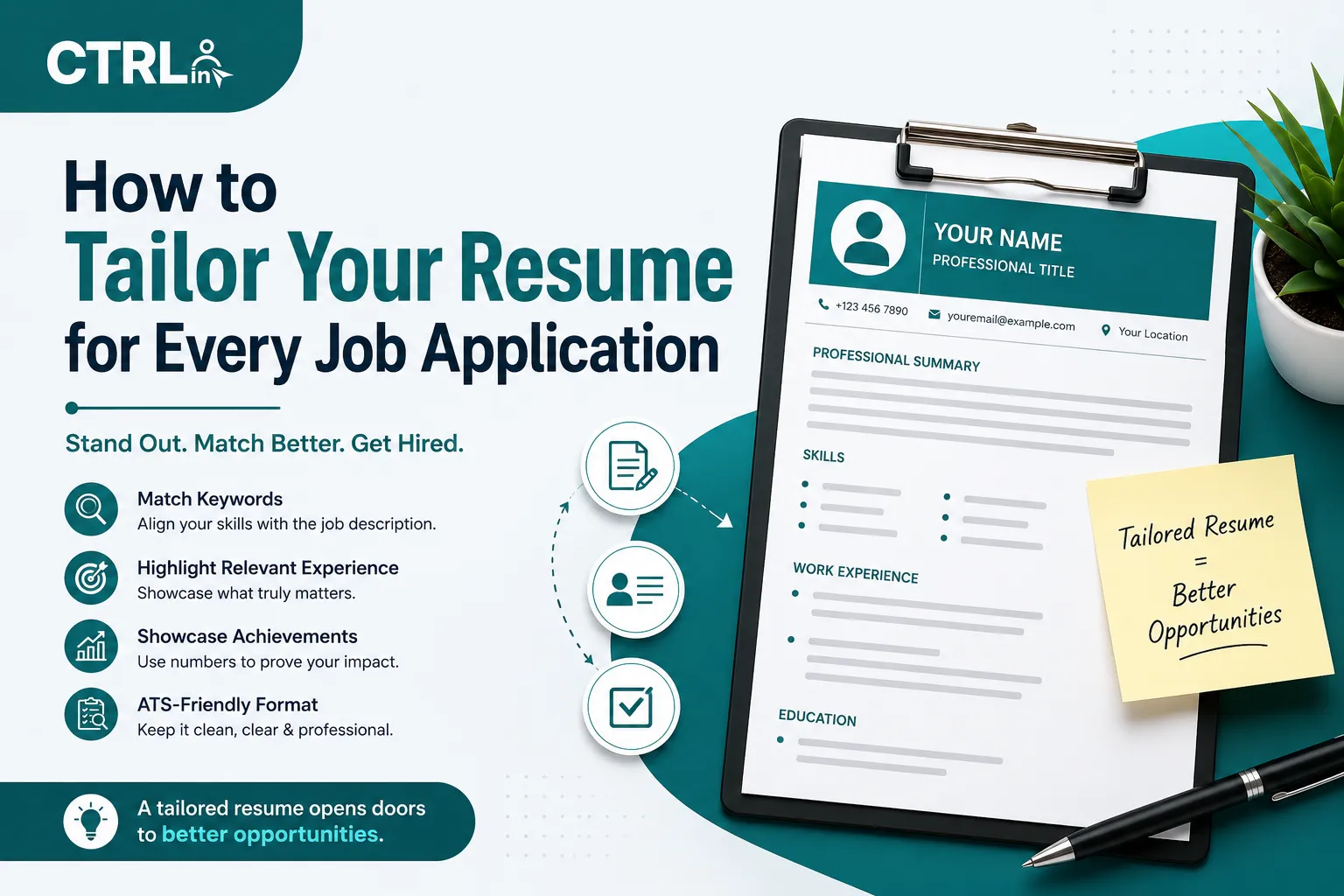
Sending the same resume to every job feels efficient. In practice, it is one of the most common reasons qualified people do not get interviews. A tailored resume is not a new resume. It is the same facts, reordered and reworded so the person (or software) reading it can see the match in seconds.
In this guide we tailor one real-looking resume to one real-looking job ad, step by step, so you can see exactly what changes and what stays the same. The candidate and the job ad are fictional, but the process is the one we recommend for every application.
The Starting Point
Meet Bilal, a fictional front-end developer with three years of experience. Here is the top of his general resume:
Bilal Ahmed
Software DeveloperSoftware developer with three years of experience building websites and web applications for clients in different industries.
Skills: HTML, CSS, JavaScript, PHP, WordPress, React, jQuery, MySQL, Photoshop, Git
Nothing here is wrong. It is just not aimed at anything.
The Job Ad
Bilal finds this posting:
Front-End Developer (React)
We are looking for a front-end developer to build and maintain our customer dashboard. You will work with React, TypeScript, and Next.js, consume REST APIs, and care about performance and accessibility. Experience with Tailwind CSS and automated testing is a plus. You will collaborate closely with designers in Figma.
Step 1: Mark Up the Job Ad (5 minutes)
Copy the ad into a note and sort its keywords into three groups:
| Must-have | Nice-to-have | Context clues |
| React, TypeScript, Next.js, REST APIs, performance, accessibility | Tailwind CSS, automated testing | customer dashboard, works with designers, Figma |
The context clues matter. "Customer dashboard" tells Bilal that data-heavy UI work is more relevant than marketing websites. "Works with designers" tells him to mention collaboration.
Step 2: Be Honest About the Gaps
Compare the must-haves with what you have actually done. Bilal has used React and REST APIs for two years. He used Next.js on one project. He has never used TypeScript in a paid project but has completed a course and converted one personal project. He has not done automated testing.
So he can claim React, Next.js, REST APIs, and performance work. He can mention TypeScript honestly as "personal projects". He should not claim testing. A tailored resume emphasizes what is true; it never invents experience.
Step 3: Rewrite the Headline and Summary
The headline should use the job's own title if it fits you.
- Before: Software Developer
- After: Front-End Developer | React, Next.js, REST APIs
The summary should answer "why this person for this job" in three sentences:
Front-end developer with three years of experience, two of them building React interfaces that consume REST APIs, including an internal reporting dashboard used daily by 40 staff. Focused on fast, accessible UI: reduced the dashboard's initial load time from about 4 seconds to under 2. Currently using TypeScript in personal projects and looking to work closely with a design team on a customer-facing product.
Notice how it reuses the ad's language (dashboard, performance, accessible, design team) while every claim is still Bilal's own.
Step 4: Reorder and Reword Experience Bullets
Do not delete experience; reorder it so the most relevant bullet comes first in each role, and rephrase vague bullets with the employer's vocabulary.
| General version | Tailored version |
| Built websites for multiple clients | Built a React reporting dashboard for an operations team, pulling data from 5 REST endpoints |
| Improved site speed | Cut dashboard load time from ~4s to under 2s with code splitting and image optimisation |
| Worked with the design team | Turned Figma designs into reusable React components shared across 3 internal tools |
| Maintained WordPress sites | (moved to the last bullet; still true, less relevant here) |
Step 5: Trim and Order Your Skills
Put the job's must-haves first and drop skills that add nothing for this role.
- Before: HTML, CSS, JavaScript, PHP, WordPress, React, jQuery, MySQL, Photoshop, Git
- After: React, Next.js, JavaScript, TypeScript (personal projects), REST APIs, Tailwind CSS, Accessibility, Git, Figma
PHP, jQuery, and Photoshop are not lies; they are just noise for this application.
Step 6: Lead With the Right Project
If you have a project that mirrors the job, it should appear near the top. Bilal's personal project, a small budgeting dashboard written in Next.js and TypeScript, is a direct answer to the TypeScript gap. He lists it with the tools used, a one-line description, and a link.
How to Do This in CTRLin Without Losing Your Master Copy
CTRLin builds your resume from a single profile, so tailoring means editing that profile, downloading, and then restoring it. A routine that works:
- Keep your general headline, summary, and skill order in a note as your "master" version.
- Edit the headline (60 characters max) and About Me for the target job.
- Mark the job's must-have skills as primary so they appear first, and reorder your project entries if needed.
- Check the live preview, download the PDF, and rename it (for example Bilal-Ahmed-Frontend-Developer.pdf) before sending.
- Paste your master text back in when you are done.
The whole process takes 15 to 20 minutes once you have done it a couple of times.
What Not to Do
- Copying the job ad word for word. Recruiters notice, and it reads as if you have no experience of your own.
- Hiding keywords in white text. Modern ATS and every human reviewer will catch it.
- Claiming skills you would fail a test on. Technical interviews will find it.
- Tailoring only the skills list. The summary and first bullet in each job do most of the work.
A 10-Point Checklist Before You Hit Send
- Headline matches or closely mirrors the job title
- Summary names the type of work the job involves
- Top three must-have keywords appear in context, not just in the skills list
- Most relevant bullet is first in each role
- At least two bullets have numbers
- Irrelevant skills removed or moved down
- A relevant project is visible on the first page
- Nothing claimed that you cannot discuss in an interview
- File name includes your name and the role
- Company name in your cover letter is correct (this one gets missed constantly)
Frequently Asked Questions
How much should I change for each application?
Usually the headline, summary, skill order, and the first one or two bullets per job. Your dates, employers, and education stay the same.
Is tailoring worth it if I am applying to many jobs?
Ten tailored applications usually produce more interviews than fifty generic ones. If time is tight, group similar jobs and make one tailored version per group.
Does tailoring help with applicant tracking systems?
Yes. Many ATS rank or filter resumes by how well they match the job's keywords. Using the employer's exact terms (for example "Next.js", not just "React frameworks") helps.
Final Thoughts
Tailoring is not about becoming a different candidate. It is about making the reader's job easy: they should see, in a few seconds, that you have done the thing they need done. Start with the next job you apply to, follow the six steps above, and compare the response rate with your generic version.
Get Exclusive Updates & Resume Builder Features
Subscribe to our newsletter and stay ahead with the newest tools, design updates, and job-winning tips.