Resume Checklist Before Applying for a Job
20 Aug 2026 · CTRLin
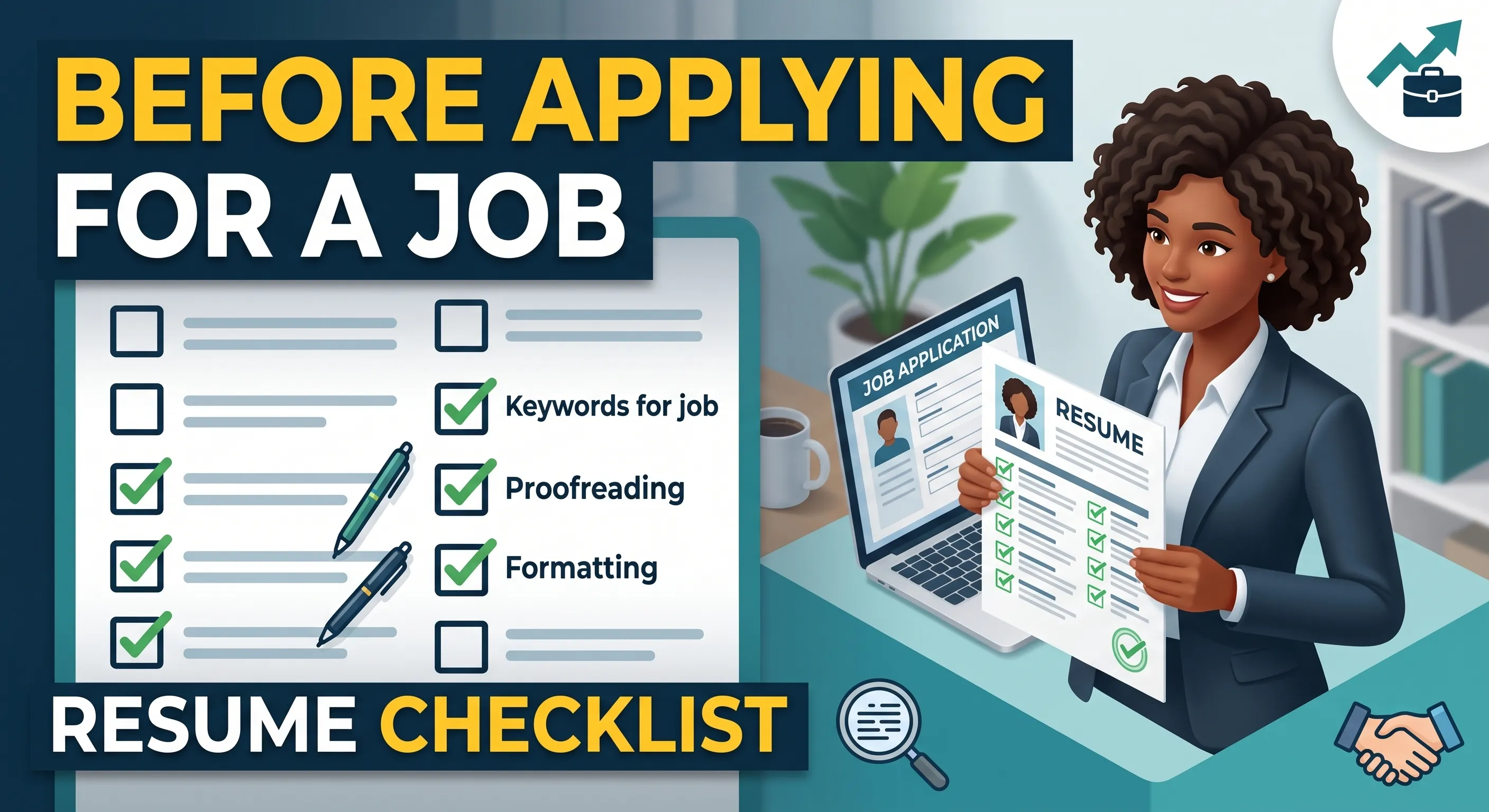
Applying for a job is more than simply sending your resume to a company. Your resume is often the first impression a recruiter or hiring manager has of you, and small mistakes can affect whether your application moves forward.
Before clicking “Apply” or submitting your resume by email, take a few minutes to review it carefully. Use this resume checklist to make sure your CV is professional, relevant, error-free, and ready for both recruiters and Applicant Tracking Systems (ATS).
1. Check Your Contact Information
Start with the basics. Make sure your contact information is accurate and easy to find.
Check that your resume includes:
- Full name
- Professional email address
- Phone number
- City and country
- LinkedIn profile, if relevant
- Portfolio or personal website, if applicable
Avoid using an unprofessional email address. A simple format such as firstname.lastname@email.com is usually a better choice.
2. Match Your Resume With the Job Description
Don't send exactly the same resume to every job if you can avoid it.
Read the job description carefully and identify the skills, qualifications, tools, and experience the employer is looking for. Then make sure your resume clearly demonstrates the relevant experience you have.
For example, if a job requires:
- React
- Next.js
- PostgreSQL
- REST APIs
and you have experience with these technologies, make sure they are clearly mentioned in the appropriate sections of your resume.
3. Use Relevant Keywords
Many companies use Applicant Tracking Systems (ATS) to scan resumes before they are reviewed by recruiters.
Look at the job description and identify important keywords related to:
- Technical skills
- Job titles
- Certifications
- Software and tools
- Industry knowledge
- Required qualifications
Use these keywords naturally in your resume where they accurately describe your experience.
However, avoid keyword stuffing. Your resume should still be written for a human reader.
4. Review Your Professional Summary
Your professional summary should quickly explain who you are, what you do, and what value you can bring to an employer.
Avoid generic statements such as:
"I am a hardworking and motivated person looking for a challenging opportunity."
Instead, focus on your professional strengths, experience, and relevant skills.
A strong summary should be concise and tailored to the position you are applying for.
5. Check Your Work Experience
Review every job listed on your resume.
Make sure:
- Job titles are correct
- Company names are spelled correctly
- Employment dates are accurate
- Responsibilities are relevant
- Achievements are clearly explained
- Bullet points are easy to read
Whenever possible, focus on achievements rather than only responsibilities.
Instead of:
"Responsible for developing websites."
Consider:
"Developed and maintained responsive web applications using React and Laravel, improving application performance and user experience."
Specific results make your experience more convincing.
6. Highlight Relevant Skills
Your skills section should reflect the requirements of the job.
Don't create an extremely long list of every technology or skill you have ever used. Prioritize the skills that are relevant to the position.
For example, a Full Stack Developer might highlight:
- React
- Next.js
- Node.js
- Laravel
- PostgreSQL
- REST APIs
- Git
- Tailwind CSS
Keep the section organized and easy for both ATS software and recruiters to scan.
7. Check Your Education
Make sure your education information is accurate.
Include:
- Degree or qualification
- Institution name
- Graduation year, when appropriate
- Relevant certifications or courses
For experienced professionals, education usually doesn't need to take up more space than your professional experience.
8. Remove Spelling and Grammar Mistakes
A single spelling mistake may not automatically disqualify you, but multiple errors can make your resume look careless.
Before submitting, carefully check:
- Spelling
- Grammar
- Punctuation
- Capitalization
- Sentence structure
- Company and technology names
You can also use a grammar-checking tool or ask someone else to review your resume.
9. Make Sure the Formatting Is Consistent
Your resume should look clean and professional.
Check that:
- Headings use consistent formatting
- Font sizes are consistent
- Bullet points are aligned
- Dates follow the same format
- Margins are balanced
- Spacing is consistent
- Sections are clearly separated
Avoid using too many fonts, colors, graphics, or complicated design elements.
A professional resume should be easy to scan quickly.
10. Check ATS Compatibility
Before applying, make sure your resume can be easily read by an Applicant Tracking System.
Some things that can improve ATS compatibility include:
- Using standard section headings
- Keeping important information in normal text
- Using relevant job-related keywords
- Avoiding excessive graphics
- Avoiding text embedded inside images
- Using a simple, readable layout
- Saving the resume in the format requested by the employer
An attractive resume is useful, but readability and clear content should come first.
11. Check Your Resume Length
Your resume should contain enough information to demonstrate your qualifications without becoming unnecessarily long.
For many candidates, one or two pages is sufficient. However, the ideal length depends on your experience, industry, and career history.
Don't remove important achievements simply to reach a specific page count. Instead, remove outdated or irrelevant information.
12. Remove Outdated or Irrelevant Information
Ask yourself whether every section helps demonstrate why you are a good candidate for the job.
Consider removing:
- Very old or irrelevant jobs
- Unnecessary personal information
- Outdated technical skills
- Generic objectives
- Irrelevant hobbies
- Duplicate information
Your resume should focus on information that supports your application.
13. Check Your LinkedIn and Portfolio
If you include links to LinkedIn, GitHub, a portfolio, or another professional website, make sure they work.
Also check whether the information on those profiles matches your resume.
For example, your:
- Job titles
- Employment dates
- Skills
- Projects
- Professional summary
should not contain major inconsistencies.
14. Rename Your Resume File Professionally
Don't submit a file named:
resume-final-new-2.pdf
Instead, use a professional filename such as:
Atif_Razzaq_Full_Stack_Developer_Resume.pdf
A clear filename makes it easier for recruiters to identify your application.
15. Choose the Correct File Format
Always follow the employer's instructions.
If the job posting specifically asks for a PDF, submit a PDF. If it requests a DOCX file, follow that requirement.
If no format is specified, PDF is often a practical choice because it preserves your formatting across devices.
16. Review the Resume One Last Time
Before submitting your application, take a final look at the complete document.
Ask yourself:
- Is this resume tailored to the job?
- Are my most relevant skills easy to find?
- Are my contact details correct?
- Are there any spelling mistakes?
- Are my employment dates accurate?
- Are all links working?
- Is the formatting consistent?
- Is it ATS-friendly?
- Does the resume clearly show what I can offer the employer?
If the answer is yes, your resume is ready to submit.
Final Thoughts
Your resume doesn't need to be complicated to be effective. It needs to be clear, relevant, professional, and easy to understand.
Taking five to ten minutes to review your resume before applying can help you catch mistakes, improve relevance, and present yourself more professionally.
If you're creating or updating your resume, CTRLin can help you build a professional resume designed to present your skills and experience clearly.
Don't just apply, apply with a resume that is ready to make a strong first impression.
Get Exclusive Updates & Resume Builder Features
Subscribe to our newsletter and stay ahead with the newest tools, design updates, and job-winning tips.